
Save Any WhatsApp Status.
Private & On-Device.
Download photo and video statuses straight to your gallery in one tap. STAVO works completely on your device — no WhatsApp login, no uploads, no tracking.

Simple. Private. Effortless.
STAVO does one thing perfectly: it saves the WhatsApp statuses you love to your gallery, without ever touching the internet for your files.
Photos & Videos
Save any image or video status to your gallery in a single tap, at full original quality.
100% On-Device
Your statuses never leave your phone. No uploads, no accounts, no tracking of your media.
Saved Forever
Saved files live in your gallery (Pictures/STAVO & Movies/STAVO) and survive reinstalling the app.
No WhatsApp Login
STAVO never connects to WhatsApp. It only reads statuses you've already viewed on your device.
See STAVO in Action
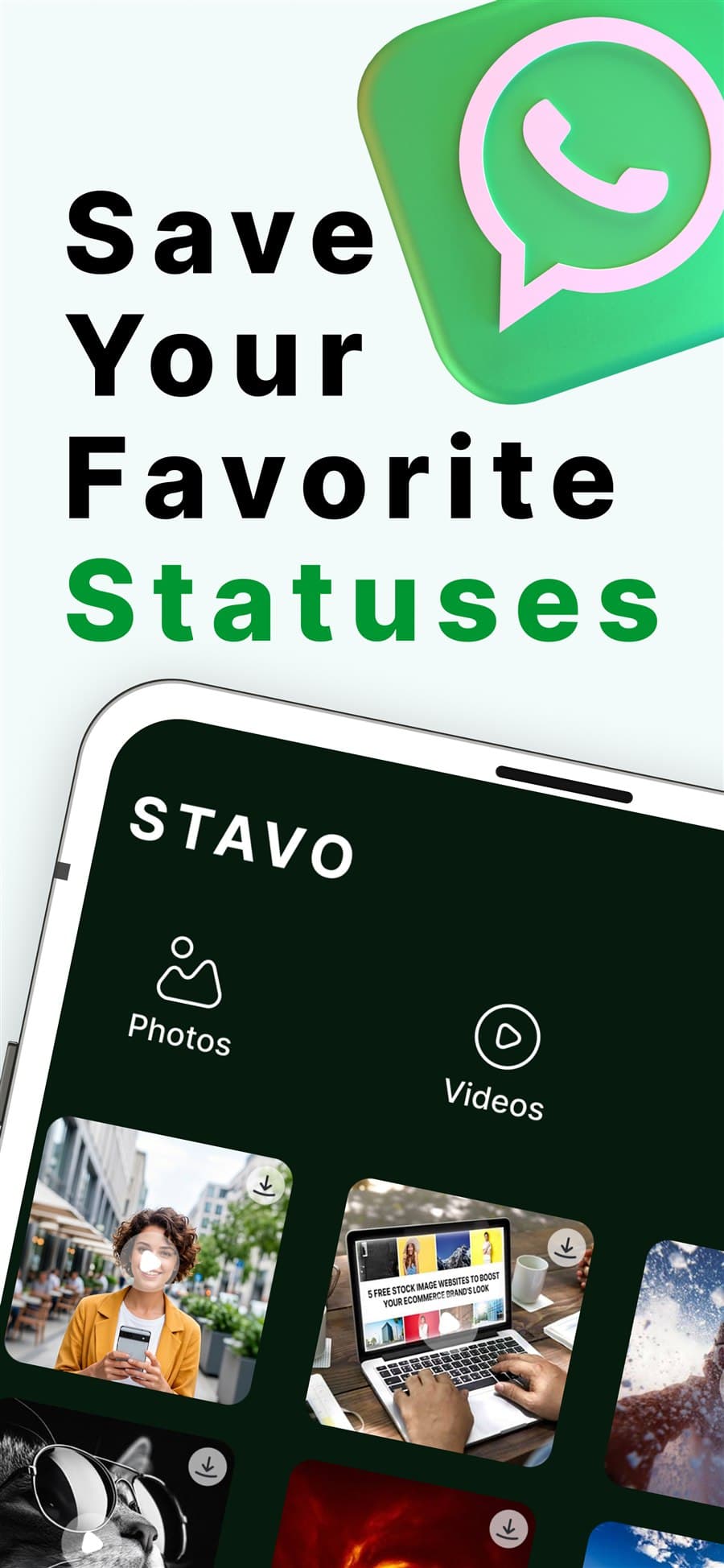
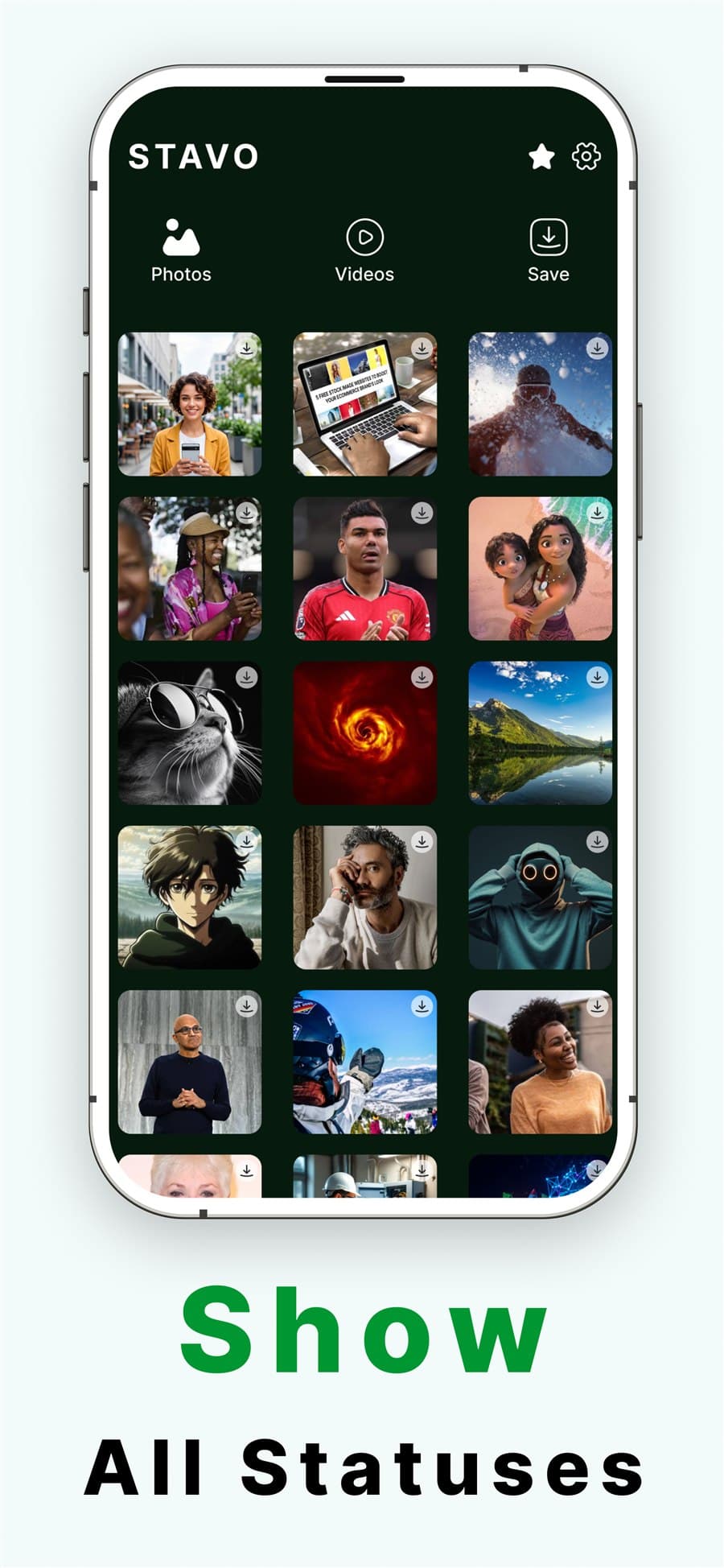
A clean, focused interface for browsing and saving WhatsApp statuses — photos and videos, all in one place.

Try the Save Flow
Tap the download icon on any status to see exactly how STAVO works — a quick loading ring, then a green check, and it moves to your Saved tab.
🔒 This demo runs entirely in your browser. In the app, the real status is saved straight to your gallery.
How STAVO Works
Four simple steps from viewing a status to keeping it forever.
View on WhatsApp
Open WhatsApp and watch a contact's status so it's saved on your device.
Open STAVO
Grant one-time access to the .Statuses folder using the secure folder picker.
Browse statuses
Your viewed statuses appear under the Photos and Videos tabs.
Tap to save
Hit the download icon — it's instantly saved to your gallery and Saved tab.
App Details & Specs
Permissions Requested
STAVO requests only what it needs to read and save statuses on your device. Nothing is uploaded or shared.
- Photos & Videos:
To read WhatsApp status files and re-list the statuses you've already saved.
- Folder Access (.Statuses):
A one-time grant via your device's secure folder picker. Revocable anytime.
Frequently Asked Questions
Everything you need to know about privacy, permissions, and how STAVO saves your statuses.
No. STAVO is a 100% on-device app. It only reads the status files WhatsApp has already saved to your phone and copies the ones you choose into your gallery. Nothing is ever uploaded to any server.
Never. STAVO does not connect to WhatsApp or ask for your account. It simply reads the WhatsApp .Statuses folder on your device after you've viewed a status, so there is no login and no access to your chats or contacts.
Saved photos go to the Pictures/STAVO folder and saved videos go to Movies/STAVO, so they appear directly in your gallery. They stay there until you delete them — even after reinstalling STAVO.
It needs to read the WhatsApp status files and to re-list the statuses you've already saved. You grant one-time access to the .Statuses folder using your device's secure folder picker, and you can revoke it anytime in settings.
Open WhatsApp and view a contact's status, then open STAVO. The status appears under the Photos or Videos tab — tap the download icon and it's instantly saved to your gallery and to the Saved tab.
Ahmed Abdelraheem Hallawy
Building fast, on-device mobile utilities that respect user privacy. STAVO was created to give users a simple, secure way to keep the WhatsApp statuses they love — without ever sending their media to a server.